
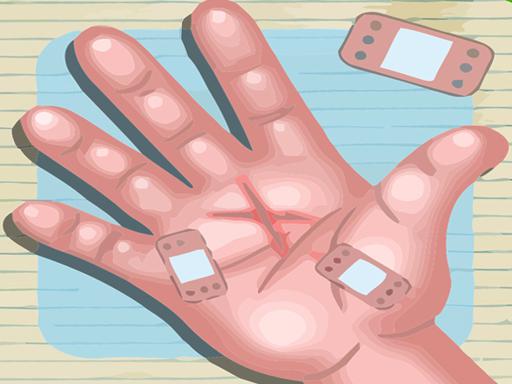
Medical Hand Care Simulator
Reviews
Medical Hand Care Simulator works best as a gentle introduction to basic first aid rather than a realistic medical simulation. Its strengths are the clear step-by-step structure, the absence of timers, and the star rating that encourages careful tool selection. The variety of everyday hand injuries keeps each case slightly different. Players who want fast action or complex diagnosis may find it too simple, but learners and casual players looking for a relaxing educational activity will get the most from it.
About this game
What You Do as the Care Provider
Each patient arrives with a specific hand injury, such as a cut, splinter, or minor wound. You read a short description of the case, then work through the treatment one step at a time. The game asks you to clean the wound, remove any foreign object, and apply the correct dressing. Tools like tweezers, ointment, and bandages sit on a medical tray, and you pick the one that matches the current step. The order matters: skipping ahead or choosing the wrong tool means the treatment won't work.
How the Game Teaches First Aid
Medical Hand Care Simulator is built around observation and sequence rather than speed. Every case introduces a slightly different procedure, so you learn by repeating the same basic flow: assess, select, treat, cover. Gentle hints appear if you get stuck, and there is no timer pushing you forward. That pace makes the game suitable for young learners who are curious about healthcare work, as well as adults looking for a calm educational activity. The hospital setting is bright and welcoming, and the controls work with either a mouse or a touch screen.
Star Ratings and Case Variety
After you finish all steps for a patient, the game gives you a star rating based on your speed and accuracy. Because the rating rewards precision, rushing through a case usually costs you stars. Practicing multiple patient cases helps you remember which tool belongs to which step and how much care each injury needs. The star system also gives you a clear way to track improvement without adding pressure, since you can replay cases at any time and focus on doing each step correctly.
Compatibility
FAQ
Comments
Sign in to leave a review
No comments yet.








Editorial Notes